A grocery list template in Google Sheets simplifies your shopping experience. It allows you to organize items efficiently, ensuring you never forget essential products. With customizable features, you can tailor the list to fit your specific needs.
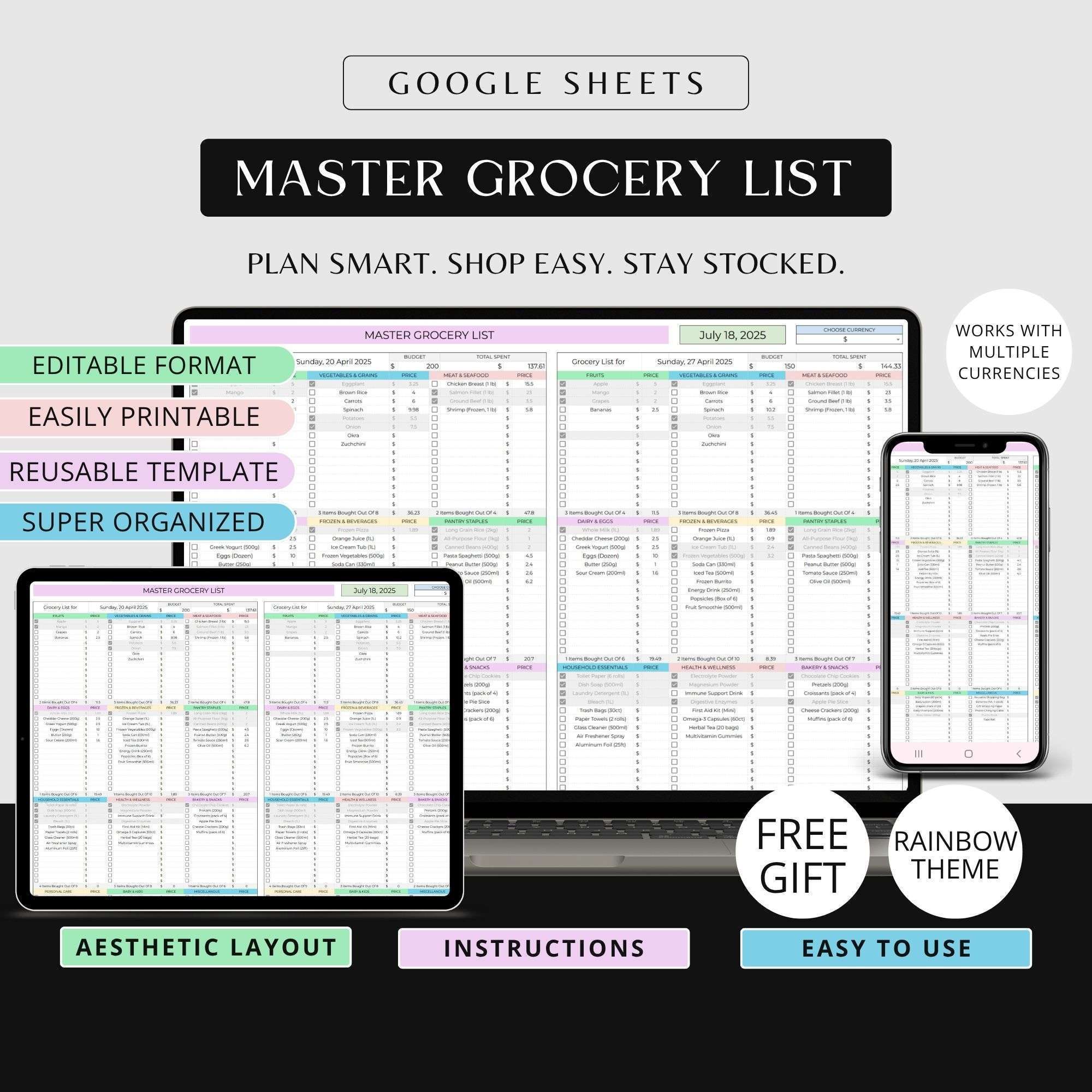
grocery list template google sheets
Grocery List Template Google Sheets
A grocery list template in Google Sheets simplifies your shopping experience. It allows you to organize items efficiently, ensuring you never forget essential products. With customizable features, you can tailor the list to fit your specific needs.
Using Google Sheets for your grocery list offers the advantage of accessibility. You can access your list from any device with internet connectivity. This means you can update it on the go, making shopping more convenient and efficient.
Benefits of Using a Grocery List Template
One major benefit of a grocery list template is time-saving. By categorizing items, you can quickly navigate through the store. This organization reduces the time spent wandering aisles, allowing for a more focused shopping trip.
Additionally, a well-structured template helps manage your budget effectively. By listing prices next to each item, you can track spending in real-time. This feature ensures you stay within your budget while still purchasing everything you need.
How to Create Your Own Template
Creating a grocery list template in Google Sheets is straightforward. Start by opening a new sheet and labeling columns for categories like produce, dairy, and snacks. This organization helps streamline your shopping process.
Next, consider adding checkboxes next to each item. This feature allows you to mark off products as you shop, ensuring nothing is overlooked. Customizing your template enhances usability and makes grocery shopping more enjoyable.
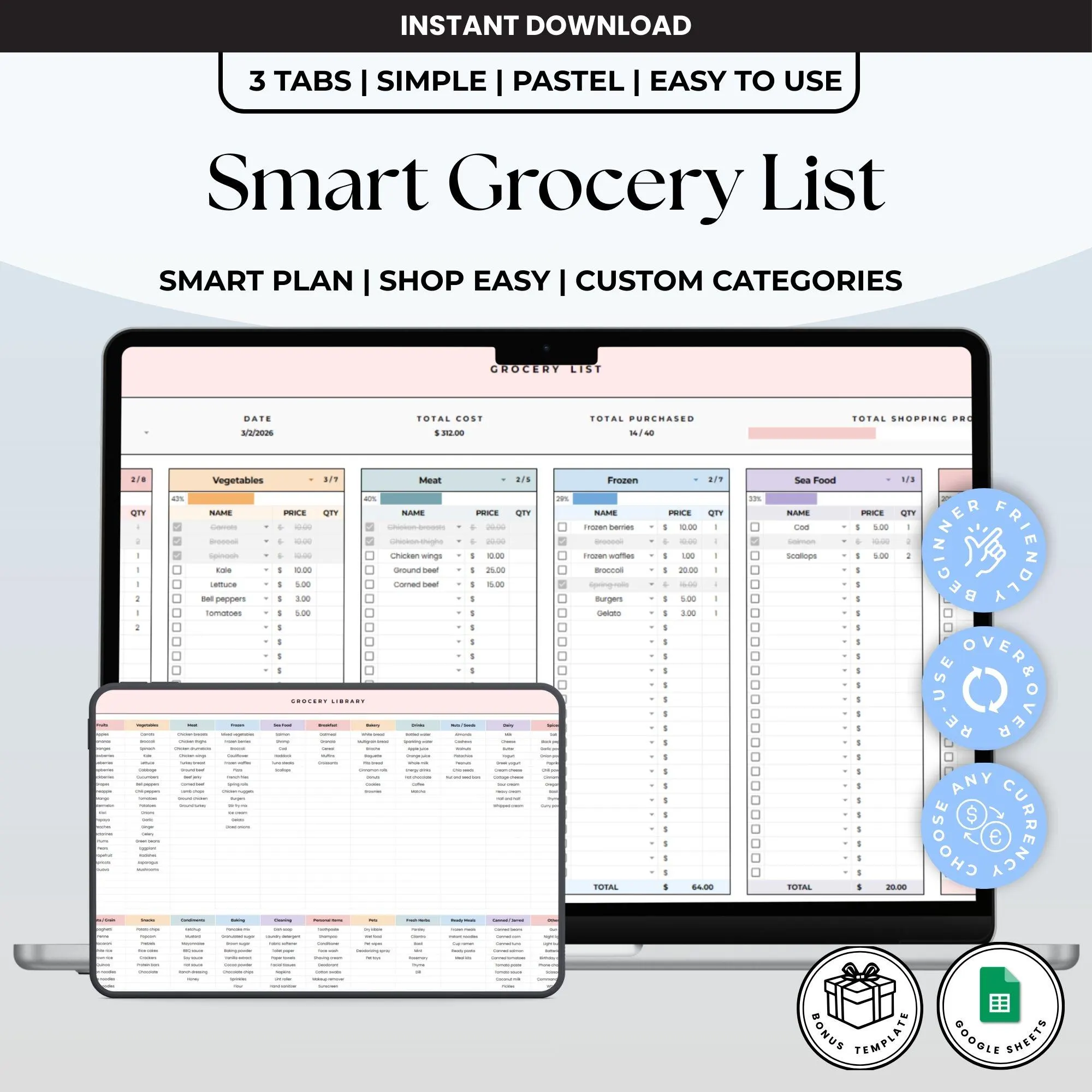
Google Sheets Grocery List
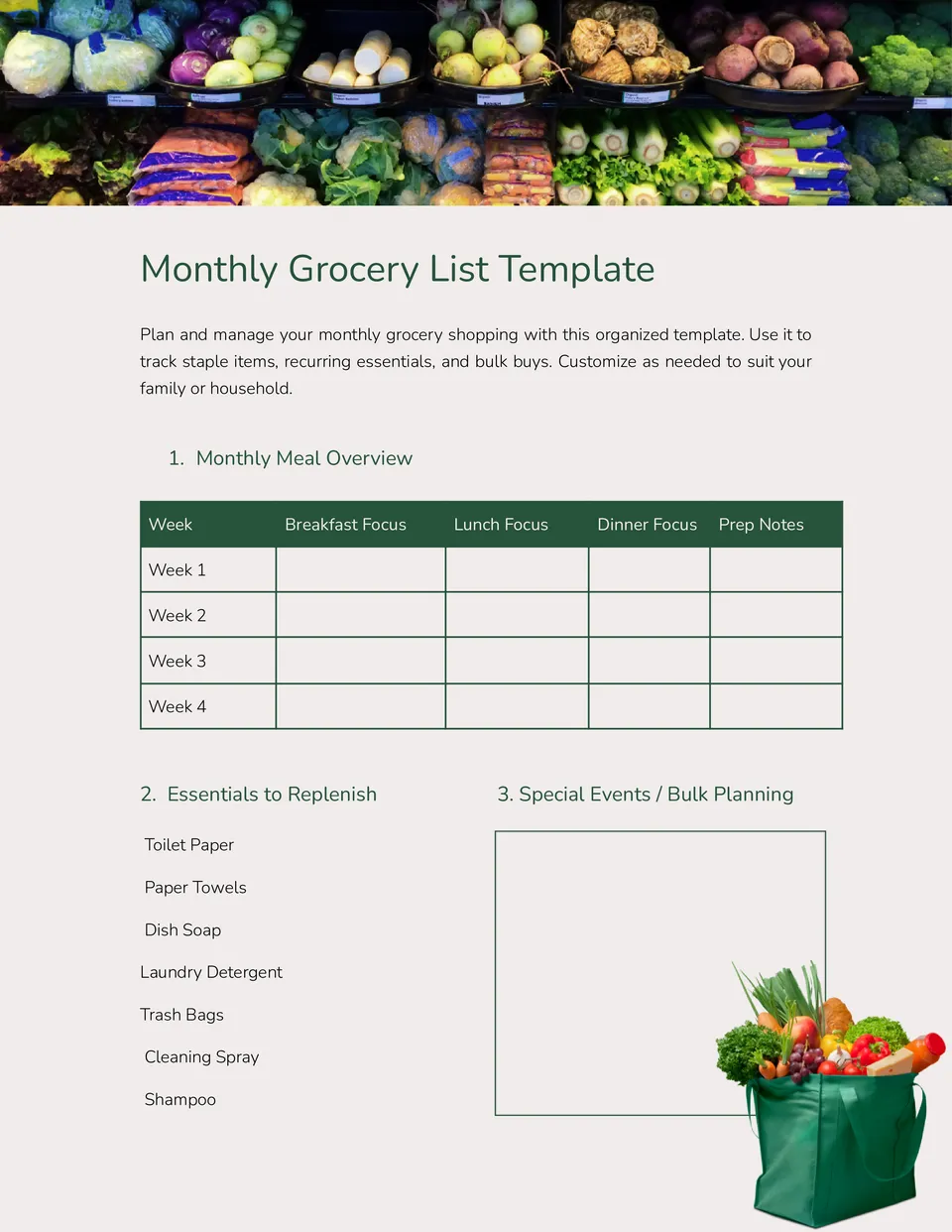
Grocery List Templates